Duplicate records
Matching rules and a merge plan are agreed before anything loads, and duplicates are removed in the source where possible.

Map, Clean, Load, Reconcile
Salesforce data migration with every record accounted for. Your data is mapped and cleaned before loading, rehearsed in trial loads in a sandbox, and checked against the source in a reconciliation report at cutover.
What we migrate
If the old system stays in use after the move, keeping both in step is covered by our Salesforce integration services.
Which tool, and when
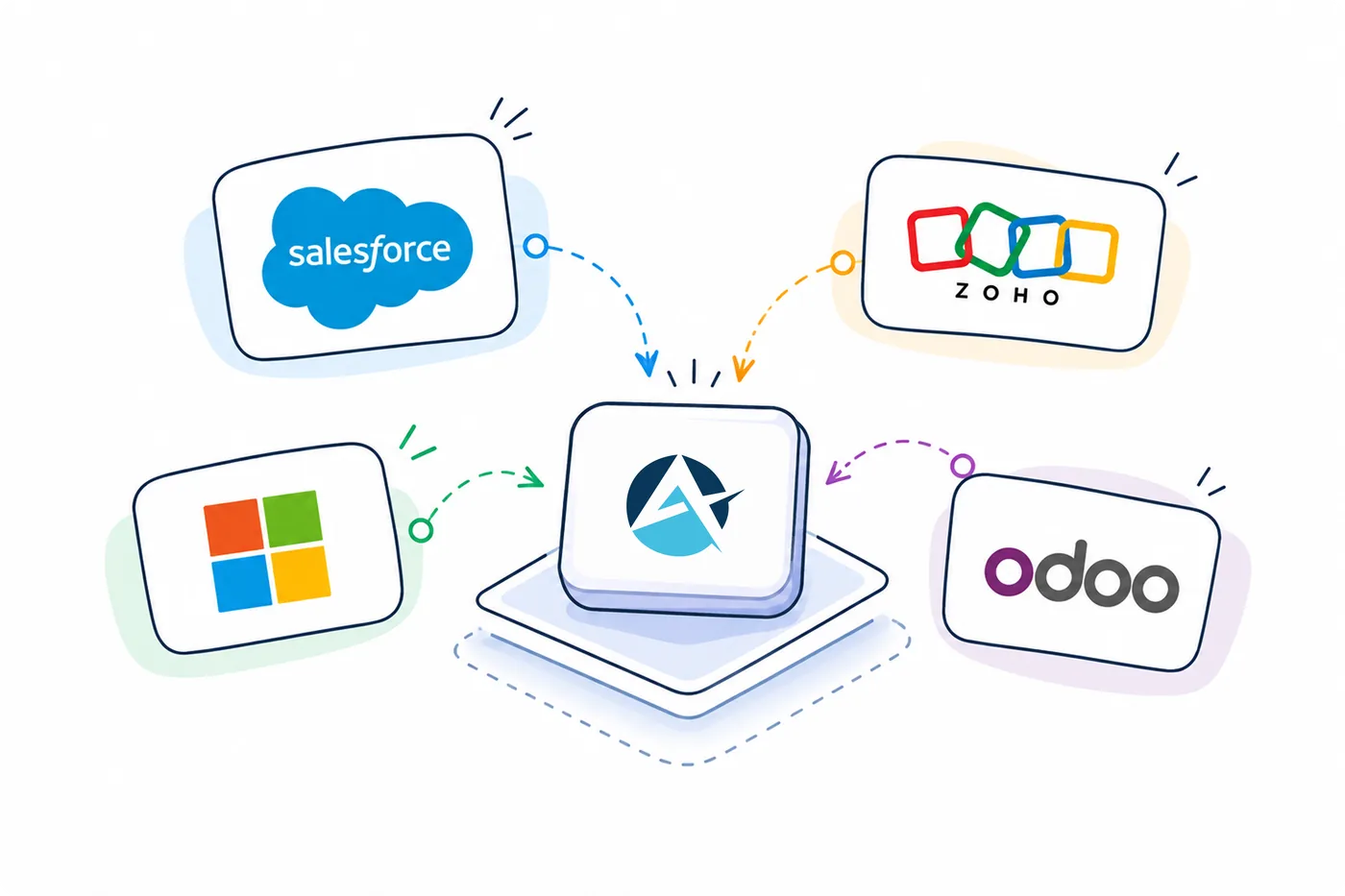
A one-off load of a few thousand contacts and a nightly sync of order history need different tools. We choose by record volume, the objects involved, how much the data must be transformed on the way in, and whether the load runs once or keeps running after go-live.
Common risks
These are the problems that cause lost or broken records. Each one is planned for before the first trial load.
Matching rules and a merge plan are agreed before anything loads, and duplicates are removed in the source where possible.
Accounts load before contacts, and contacts before opportunities and cases, so every lookup finds its parent record.
Each source owner is mapped to an active Salesforce user, with a named fallback owner for people no longer with you.
Where history matters, the Set Audit Fields upon Record Creation permission keeps original created dates and creators. It works on insert only, so it is set up before the first load.
Validation rules, Flows and triggers get a documented bypass during the load and are switched back on after. On one CPQ move, pricing was paused while 500,000 pricing exceptions loaded.
File sizes and your org's storage are checked before the load, so attachments do not stop the migration halfway.
Batch sizes and load windows keep the migration inside your daily API allowance. On the same CPQ project, loads stayed under half the limit throughout.
Why work with us
Our migration process
Record counts, field completeness and duplicate rates. Output: a data profile report.
Each source field to a Salesforce field, with its transformation. Output: a mapping document.
Duplicates, formats and missing required values. Output: a cleansing report.
Loads run in a sandbox and errors are fixed. Output: load logs and fixes.
Counts, sample checks and a review by business users. Output: validation sign-off.
Source frozen, final load and go-live. Output: a completed cutover checklist.
Source and Salesforce counts and totals compared. Output: a reconciliation report.
Migration results
Record volumes and outcomes from our case studies. Each card links to the full story.
From a legacy CRM and Zendesk into one Salesforce org for a retailer running five brands, alongside Sales Cloud, CPQ and Service Cloud Voice.
Read the case study Records moved with zero data lossZendesk tickets moved to Service Cloud cases for a sporting goods retailer, with comments, status history, agent assignments and attachments kept.
Read the case study Support tickets with their historyMoved for a home furnishings retailer that replaced spreadsheet quoting with Salesforce CPQ and joined trade accounts with its online store.
Read the case study Contacts, plus 85,000 custom ordersFAQ
Tell us what you are moving and from where, and our team will reply within 1 business day.
We profile the source data, map it to Salesforce objects and fields, clean and de-duplicate it, run trial loads in a sandbox, validate with business users, load into production at cutover and reconcile the totals.
The Data Import Wizard suits small, simple loads of under 50,000 records on the objects it supports. Data Loader suits larger volumes and scripted loads. ETL tools suit ongoing sync or heavy transformation. We choose by volume, complexity and whether the load is one-off.
We agree matching rules before loading, de-duplicate in the source where possible, and use Salesforce duplicate and matching rules to catch what remains.
Often yes. Salesforce allows audit fields such as the created date to be set when a record is inserted, once the Set Audit Fields upon Record Creation permission is granted. Field history and some system fields have limits, so we agree what must be preserved at the start.
Duration depends mainly on data quality, record volume, the number of source systems and how many trial loads are needed. The data profile from the first step is what lets us give you a realistic timeline.
We compare record counts and key totals between source and Salesforce, review samples with business users and keep the load logs. The reconciliation report is part of the handover.
Get in touch
Have an idea, requirement, or a project in mind? Our team will get back to you within 1 business day.