

Object and Field Mapping
Salesforce objects and fields mapped to Zoho modules and fields, including picklists, currencies and date formats.

Salesforce and Zoho CRM, kept in step
A Salesforce Zoho integration keeps both CRMs live and in step: accounts, contacts, deals and activity sync between them field by field, with clear rules for which system wins. It is built and monitored by a team that works on both platforms.
When both systems stay live
Not every business leaves Salesforce in one move. A sales team may stay on Salesforce while finance, operations or support run on Zoho, an acquired company may bring its own CRM, or a phased move may need both systems side by side for months. The risk is the same each time: two records for one customer that slowly drift apart. An integration fixes that by syncing the records that matter, in the direction that matters, as they change.
What syncs
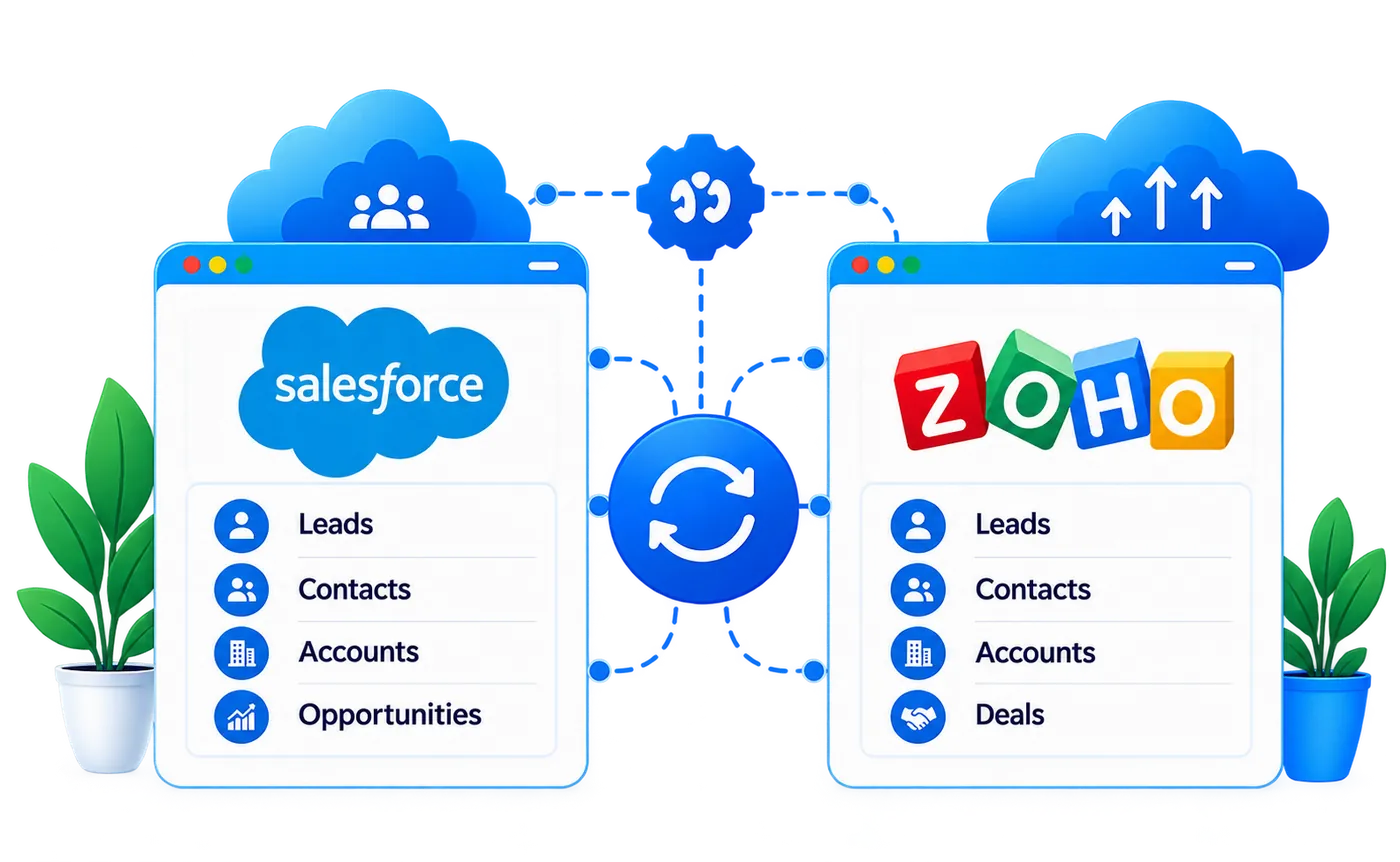
Most integrations sync a handful of objects, not the whole org. We agree each one, its Zoho equivalent and which way changes flow before anything is built. The directions below are the usual starting point, not a fixed rule.
| In Salesforce | In Zoho CRM | Typical direction |
|---|---|---|
| Accounts | Accounts | Two-way, with one system owning address and billing fields |
| Contacts | Contacts | Two-way, matched on email |
| Opportunities | Deals | From the selling team's system to the other, with stages mapped |
| Leads | Leads | From where leads are captured to where they are worked |
| Cases | Cases or Zoho Desk tickets | Usually one-way, so sales can see open issues |
| Users and owners | Users | Matched by email, so ownership carries across |
| Custom objects | Custom modules | Agreed object by object |
Every synced record stores the other system's ID. That cross-reference is what stops duplicates, lets an update find the right record and makes a failed sync safe to retry.
Why a designed integration
Keeping two CRMs aligned with files and copy and paste works for a week. After that, every manual step becomes a place where the two systems disagree.
Exports, imports and copy and paste
A designed integration
Leaving Salesforce rather than running both? A one-time move costs less than keeping two systems in sync. See our Salesforce to Zoho migration platform.
What we build
Each integration is built on the Salesforce and Zoho CRM APIs and shaped by the rules agreed in mapping.
Salesforce objects and fields mapped to Zoho modules and fields, including picklists, currencies and date formats.
Changes flow both ways where needed, with a rule per field for which system wins when both are edited.
Salesforce users matched to Zoho users by email, so records keep the right owner on both sides.
Event-driven updates for records that change often and scheduled batches for bulk data, chosen object by object.
Batching and queuing that respect the Salesforce daily API allocation and Zoho API credits, so the sync never stalls either org.
A sync log, retries for temporary failures and alerts to a named owner for anything that needs a person.
How It Works
Nothing syncs until the objects, directions and conflict rules are agreed and tested with your own records.
Agree which objects sync, in which direction and how often, and who owns each field.
Map fields and picklists, match users, and write the conflict and duplicate rules.
Build the sync on the Salesforce and Zoho CRM APIs, storing cross-reference IDs on both sides.
Run sample records through every rule, including edits made on both sides at once.
Match the existing records, switch the sync on and watch the log through the first weeks.
Once It Runs
Every integration we hand over comes with a way to see what it is doing.
Every create, update and failure recorded with the record, the time and the reason.
Failures notify a named owner instead of failing silently.
Fixed records are sent again without creating duplicates, because each one carries the other system's ID.
Periodic comparisons of record counts on both sides catch drift early.
Integration or migration?
Moving more than Salesforce? HubSpot, Dynamics 365 and spreadsheet moves are covered by our CRM migration services.
Industries We Serve
Enterprise & Manufacturing
Healthcare
Retail & eCommerce
Logistics & Transportation
Real Estate
Technologies We Work With
Integration Insights
 Salesforce
How to connect Shopify, Magento, BigCommerce and Adobe Commerce to Salesforce: integration approaches, what syncs, common failures and when to replatform.
 Zoho CRM
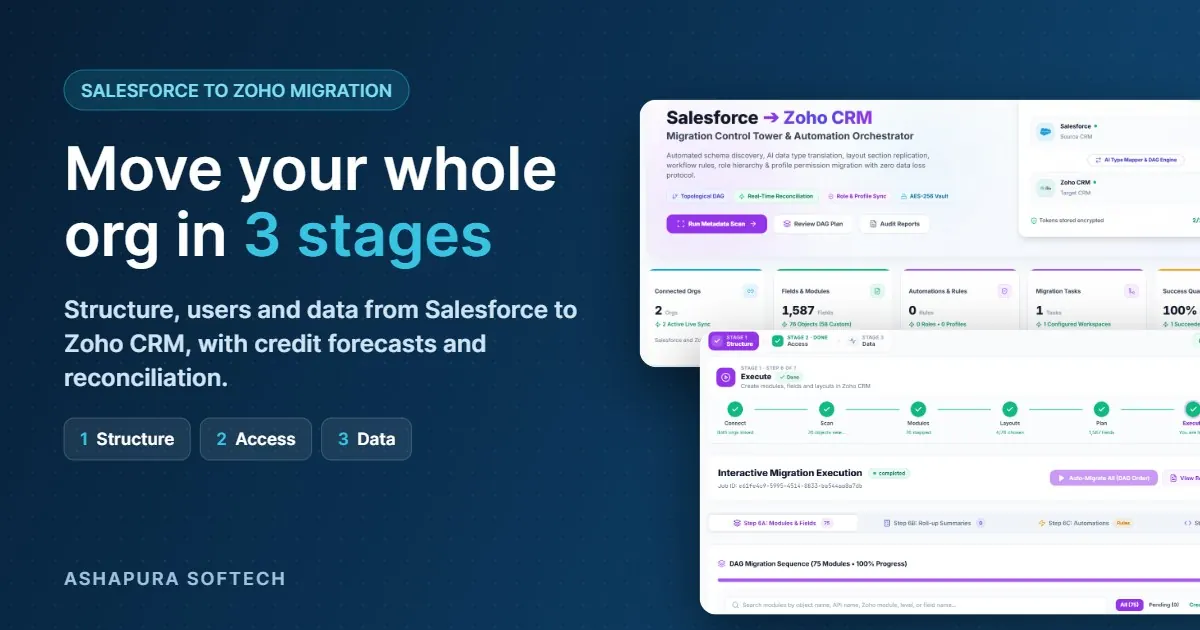
Ashapura Softech has built Salesforce to Zoho Migration, a platform that moves your Salesforce structure, users and data into Zoho CRM in…
 Zoho CRM
How Zoho CRM and WhatsApp integration keeps every customer conversation in one place, speeds up replies, and stops leads going cold.
FAQ
Everything you need to know before getting started.
It is a connection that keeps records in step between a live Salesforce org and a live Zoho CRM org. Agreed objects such as accounts, contacts and deals sync in agreed directions, so both teams see the same customer without exporting and importing files.
Yes. Two-way sync is common for accounts and contacts. It needs the other system's ID stored on each record and a rule per field for which system wins when both sides change, otherwise updates overwrite each other.
Integrate if both systems will stay in use. Migrate if Zoho CRM is replacing Salesforce, because keeping a sync running for a system you are leaving costs more than a one-time move.
Yes. Salesforce allocates a daily number of API requests to each org, and Zoho CRM works on API credits per 24 hours, both based on edition and licences. We batch and queue updates so the sync stays well inside both.
It depends on the number of objects, the direction of sync and the amount of custom logic. We give a timeline after mapping, once the objects and rules are agreed.
Get in touch
Have an idea, requirement, or a project in mind? Our team will get back to you within 1 business day.