Odoo Version Upgrade
Upgrade from older Odoo versions to the latest release with all data intact.

Odoo Upgrades and Data Migration
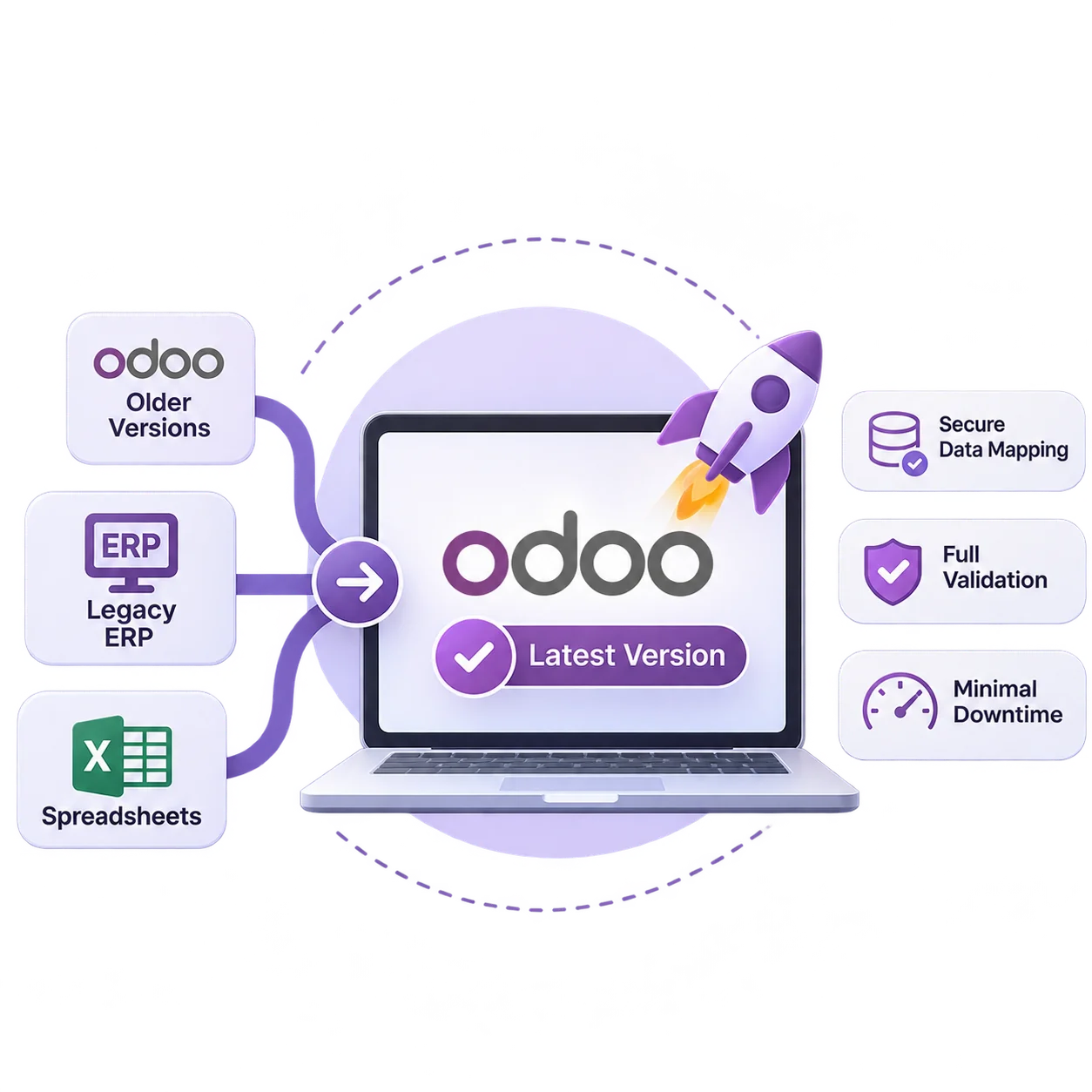
Upgrade from older Odoo versions or migrate from legacy ERPs and spreadsheets with careful data mapping, a full test migration, and a planned cutover with minimal downtime.
Safe, Structured Migration
We plan every migration carefully, clean and map your data, test it in a staging copy, and switch over with minimal disruption to your business.
Our Services
Whether you are upgrading Odoo or leaving another system, we move your data and processes safely.
Upgrade from older Odoo versions to the latest release with all data intact.
Move from Odoo Community to Enterprise to unlock advanced apps.
Migrate from Tally, QuickBooks, SAP Business One, and other ERPs.
Turn scattered Excel and CSV files into structured Odoo records.
Port and refactor your custom modules for the new Odoo version.
Remove duplicates, fix errors, and map fields before import.
Move between on-premise servers, Odoo Online, and Odoo.sh.
Verify results, fix issues, and support users after switchover.
Our Process
Audit your current system, data quality, custom modules, and what history really needs to move.
Map every source field to its Odoo field, and agree the migration order and cleansing rules.
Run a full trial migration into a staging copy and reconcile it with your team.
Freeze the old system, load the final data, and switch over in an agreed window.
Verify balances and open transactions, watch the first live cycles, and support your users.
Inside the migration
Most migration problems come from the data, not the software. Each stage below ends with something you check and approve, so issues surface in a staging copy rather than in your live books.
| Stage | What we do | What you sign off |
|---|---|---|
| Assessment | Review the source system, data volumes, duplicates, custom modules and integrations, and decide what history moves and what is archived. | The migration scope and a list of data issues to fix at source. |
| Data mapping | Map customers, vendors, products, chart of accounts, open orders and balances field by field, set cleansing rules, and review each custom module for porting. | The mapping document and the cutover plan. |
| Test migration | Load everything into a staging copy, reconcile record counts and balances against the source, and let key users run real transactions. | The test results, or a list of fixes for a second trial run. |
| Cutover | Freeze changes in the old system, run the final extract and load, reconcile again, and switch users over in an agreed window. | The go-ahead to work in Odoo, with a rollback plan ready. |
| Post-migration checks | Compare trial balances, stock levels and open receivables and payables, watch scheduled actions and integrations, and fix what the first live cycles reveal. | A clean first month end close in the new system. |
How much history to move: three years of transactions in Odoo plus an archived export of the rest serves most companies better than a full migration that drags the project out. Moving to Odoo as part of a full rollout? See how an Odoo implementation runs.
Business Impact
Every record validated and reconciled after migration.
Planned switchover that keeps your business running.
Access the latest Odoo apps and performance improvements.
A clean, current platform ready for future growth.
Industry-Focused Solutions
Migrate the records your industry depends on, from stock and bills of materials to invoices and customer history.
Connected Technology Ecosystem
Move your data from almost any source into the latest Odoo.
Odoo Migration Insights
 ERP System
how to implement an ERP system, explore top technologies, and find the best ERP solutions for your business. Get expert insights from…
 ERP System
Discover the best practices for ERP implementation to reduce costs, improve integration, and drive business success with a higher return on investment.
 ERP System
Explore 9 key benefits of implementing an ERP system for your business. From efficiency to data insights, ERP software development is the…
FAQ
Everything you need to know before getting started.
Yes. We upgrade from older Odoo versions to the latest release, including data, configuration, and custom modules.
Older Odoo versions, Tally, QuickBooks, SAP Business One, other ERPs, CRMs, and Excel or CSV files.
No. We migrate into a staging copy first, reconcile every key record, and only switch over once you approve the results.
Usually a few hours to a weekend for the final switchover, scheduled at a time that suits your business.
We review each module, port what you still need to the new version, and replace outdated ones with standard features where possible.
Get in touch
Have an idea, requirement, or a project in mind? Our team will get back to you within 1 business day.