

Salesforce Integration Consulting
Identify integration requirements and design a scalable technical architecture.

APIs, MuleSoft and Middleware
Connect Salesforce with your ERP, finance, marketing and support applications through REST and Bulk APIs, event streams or MuleSoft, so data stays in sync and processes run end to end without re-keying.
Connected Systems. Smarter Operations.
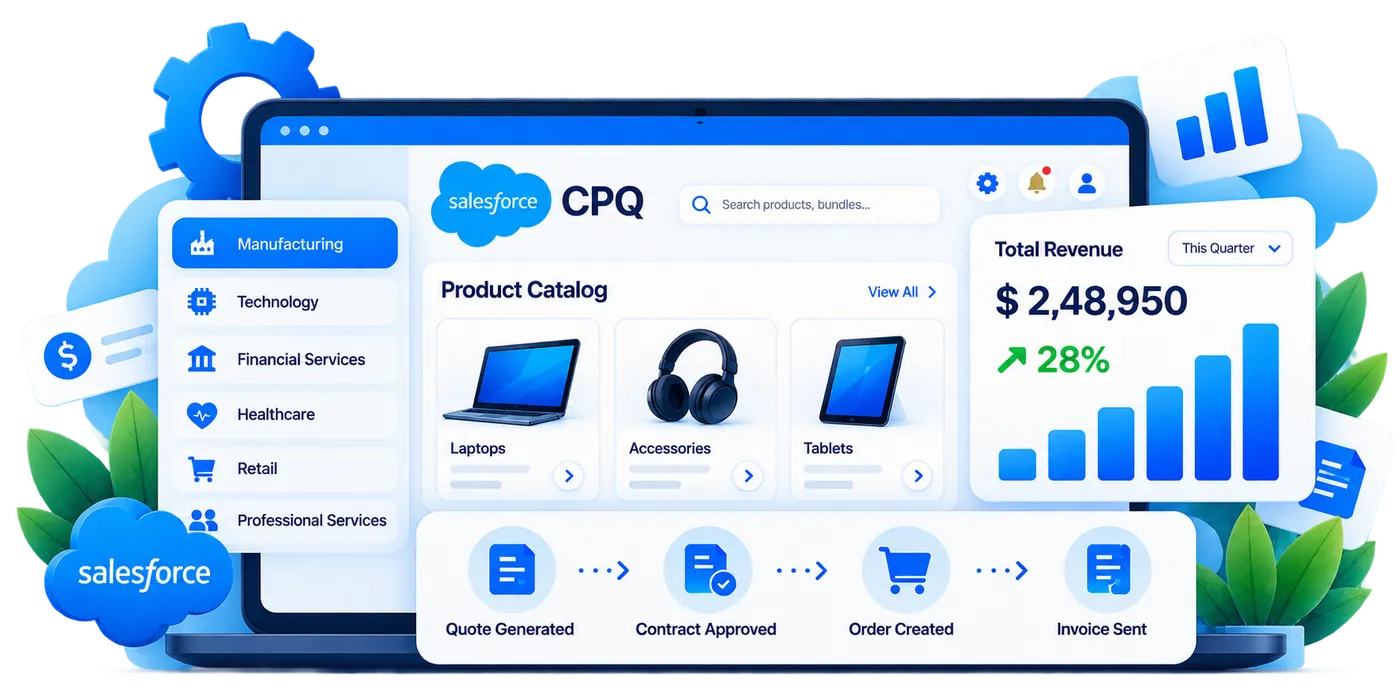
Eliminate data silos and simplify everyday operations by connecting Salesforce with your existing technology ecosystem. Our Salesforce integration services cover the whole job: choosing the pattern and API for each data flow, building it, and monitoring it once it is live, so teams share the same information and work across platforms without manual copying.
Our Services
From API connectivity to enterprise system integration, we help you build a connected Salesforce ecosystem that supports your business goals.
Identify integration requirements and design a scalable technical architecture.
Connect Salesforce with third-party applications using APIs and custom solutions.
Synchronize relevant customer, order, invoice, and financial information.
Connect sales, marketing, and support data for more consistent customer experiences.
Move and synchronize business data with appropriate validation and mapping.
Build managed integration flows using suitable middleware and connectivity tools.
Automate cross-platform business processes and reduce manual data entry.
Monitor integration health, troubleshoot failures, and optimize performance.
Integration patterns
Salesforce documents six standard integration patterns. Choosing the right one for each data flow decides how fast data moves, what happens when the other system is down and how much the integration costs to run.
| Pattern | How it works | Typical use |
|---|---|---|
| Request and reply | Salesforce calls another system and waits for the answer before the user carries on. | Live credit check, tax or shipping rate, stock availability on a quote |
| Fire and forget | Salesforce sends a message and moves on; the other system processes it and confirms later. | Sending a closed-won order to the ERP to start fulfilment |
| Batch data synchronization | Large volumes move on a schedule, usually overnight, through the Bulk API or an ETL tool. | Nightly product, price and invoice sync, data warehouse loads |
| Remote call-in | An external system creates, reads or updates Salesforce records through its APIs. | Web forms, e-commerce orders and ERP status updates landing in Salesforce |
| UI update based on data changes | Salesforce pushes changes to the user’s screen as they happen, through streaming events. | Live order or case status on a console without a page refresh |
| Data virtualization | Salesforce shows external data without storing it, through Salesforce Connect and external objects. | Large ERP order history or archives viewed in context |
And the UI mash-up. When the data does not need to move at all, another application’s screen can be embedded in Salesforce through Canvas or a Lightning component, so users work in one place while each system keeps its own records.
Salesforce APIs
Salesforce exposes several APIs, each built for a different volume and timing. Using the wrong one is the most common reason an integration hits its API limits or falls behind.
API limits are shared. Every integration, managed package and user tool draws from the same daily API allocation, so we budget calls per integration and use bulk or event APIs where the volume calls for them.
MuleSoft, middleware or point to point
There is no single right tool. The choice depends on how many systems you connect, who will run the integrations after go-live and how much change you expect over the next few years.
| Point to point | Integration platform (iPaaS) | MuleSoft Anypoint Platform | |
|---|---|---|---|
| What it is | Direct API calls between Salesforce and one other system, in Apex or in the other application | A hosted tool such as Boomi, Workato, Celigo, Informatica or Zapier that runs flows between apps | Salesforce’s own platform for API-led connectivity |
| Best fit | One or two systems, simple data and a stable partner API | Several SaaS apps, moderate volume and a small IT team | Many systems, ERP and legacy back ends, reusable APIs and strict governance |
| Watch out for | Every new system adds another connection to maintain, and error handling is often missing | Per-task or per-connector pricing, and limits on complex logic | Licence cost and the skills needed to run it |
| Monitoring | Custom logging you have to build | Built-in run history and alerts | Anypoint Monitoring, alerts and API analytics |
Salesforce + AI Solutions
Salesforce now ships open, standards-based ways to plug AI agents and assistants into your org and the systems around it.
What we connect
Our Process
Inventory your systems, data flows, volumes and owners, and agree what each integration must achieve.
Choose the pattern and API for each flow, map fields and external IDs, and set security and error handling rules.
Build in Apex, MuleSoft or your middleware, with code and configuration kept in source control.
Test with production-like volumes, failure scenarios and the other system’s sandbox, then run user acceptance testing.
Go live with monitoring and alerts switched on, watch the first runs closely, then tune volumes and schedules.
What you receive
Our Salesforce integration services end with documents and tooling your team keeps, not just connections that work on the day we leave.
| Deliverable | What it contains |
|---|---|
| Integration inventory | Every system, data flow, direction, frequency and owner, agreed in discovery. |
| Architecture and pattern choice | The pattern, API and tool for each flow, with the reasons and an API limit budget. |
| Field mapping specification | Source and target fields, transformations, external IDs and the system of record for each field. |
| Built and tested integrations | Code or middleware flows in your repository or platform account, with test evidence from sandbox runs. |
| Monitoring and alerting | Error logs, alerts with named owners and a health dashboard. |
| Runbook and handover | How to restart, replay and troubleshoot each flow, plus a walkthrough with your team. |
Monitoring and error handling
Every integration needs a way to see what failed, why, and what happens next. These are the controls we put in place before go-live.
Integration best practices
Business Impact
Reduce information silos across connected applications.
Automate repetitive data transfers and business workflows.
Reduce delays caused by disconnected systems.
Access connected information for reporting and analysis.
Our AI Services
Agents are only as good as the connections behind them. We build those connections with clear ownership and tight access.
Industry-Focused Solutions
Connect the applications your teams rely on and build workflows tailored to your industry, systems, and operational needs.
Connected Business Ecosystem











Salesforce AI
Bring trusted Salesforce data, workflows and business context into the tools your teams already use.
Salesforce Integration Insights
 Salesforce
How to connect Shopify, Magento, BigCommerce and Adobe Commerce to Salesforce: integration approaches, what syncs, common failures and when to replatform.
 Salesforce
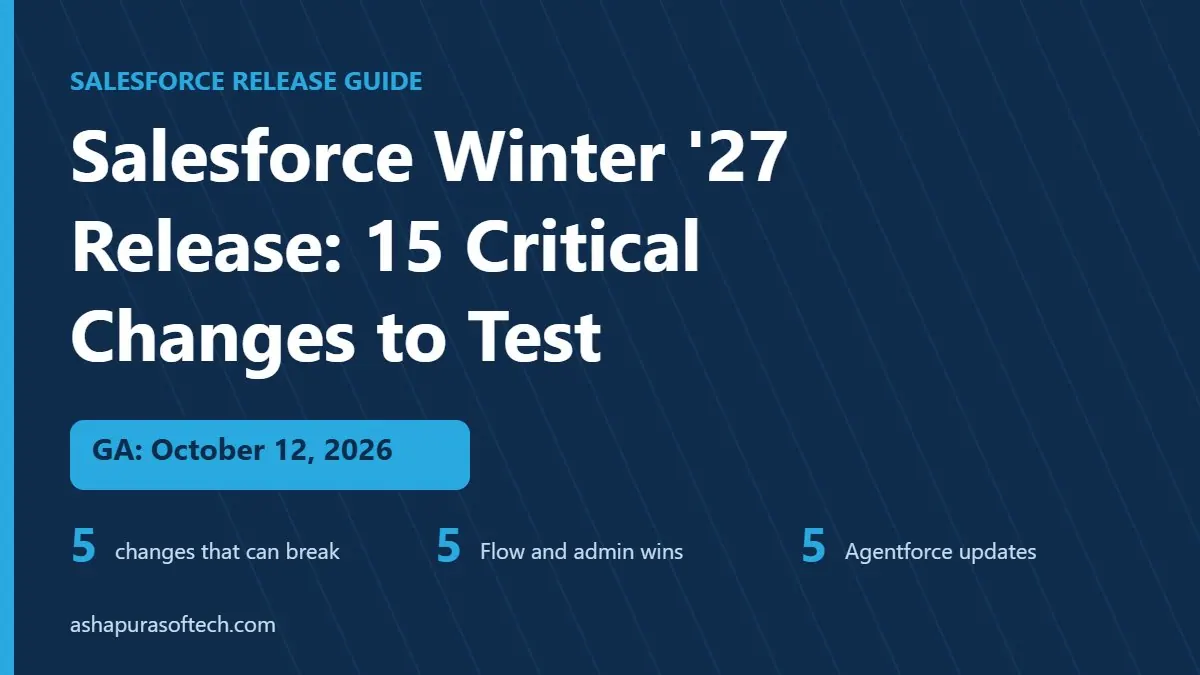
The Salesforce Winter '27 release goes GA on October 12, 2026. Here are the 15 changes admins should test first: what breaks,…
 Agentforce
Anthropic's Claude Commerce Agents blueprint stops at your systems. A 12 point checklist of what your CRM, ERP, permissions and data must…
FAQ
Everything you need to know before getting started.
Salesforce integration connects Salesforce with your other business applications, such as ERP, finance, marketing, support, and e-commerce platforms, so data and processes flow between them without manual re-entry.
Discovery and an integration inventory, the choice of pattern, API and tool for each data flow, field mapping, the build in Apex, MuleSoft or your middleware, testing with production-like volumes, and monitoring, alerts and a runbook after go-live.
MuleSoft is Salesforce’s integration platform. It helps build reusable, managed API connections between Salesforce and other systems, which suits organizations with many applications or complex data flows.
Yes. Depending on the systems involved and your requirements, integrations can run in real time, near real time, or on a scheduled batch basis. We recommend the right approach during discovery.
We use secure authentication, encrypted connections, role-based access, and Salesforce permission controls, and we validate data mapping and error handling before go-live.
Get in touch
Have an idea, requirement, or a project in mind? Our team will get back to you within 1 business day.