Automation Consulting
Find the tasks and data flows worth automating.

Workflow Automation Across Your Apps
Connect Zoho and third-party apps with Zoho Flow to move data automatically and remove repetitive manual work. We design, build and monitor the flows, so a new order, lead or payment reaches every app that needs it without anyone retyping it.
No-Code Automation
We design and build automations that sync data, trigger actions, and keep your apps working together without manual effort. Each flow is mapped with the people who do the work today, tested with real records and handed over with documentation your team can follow.
How it works
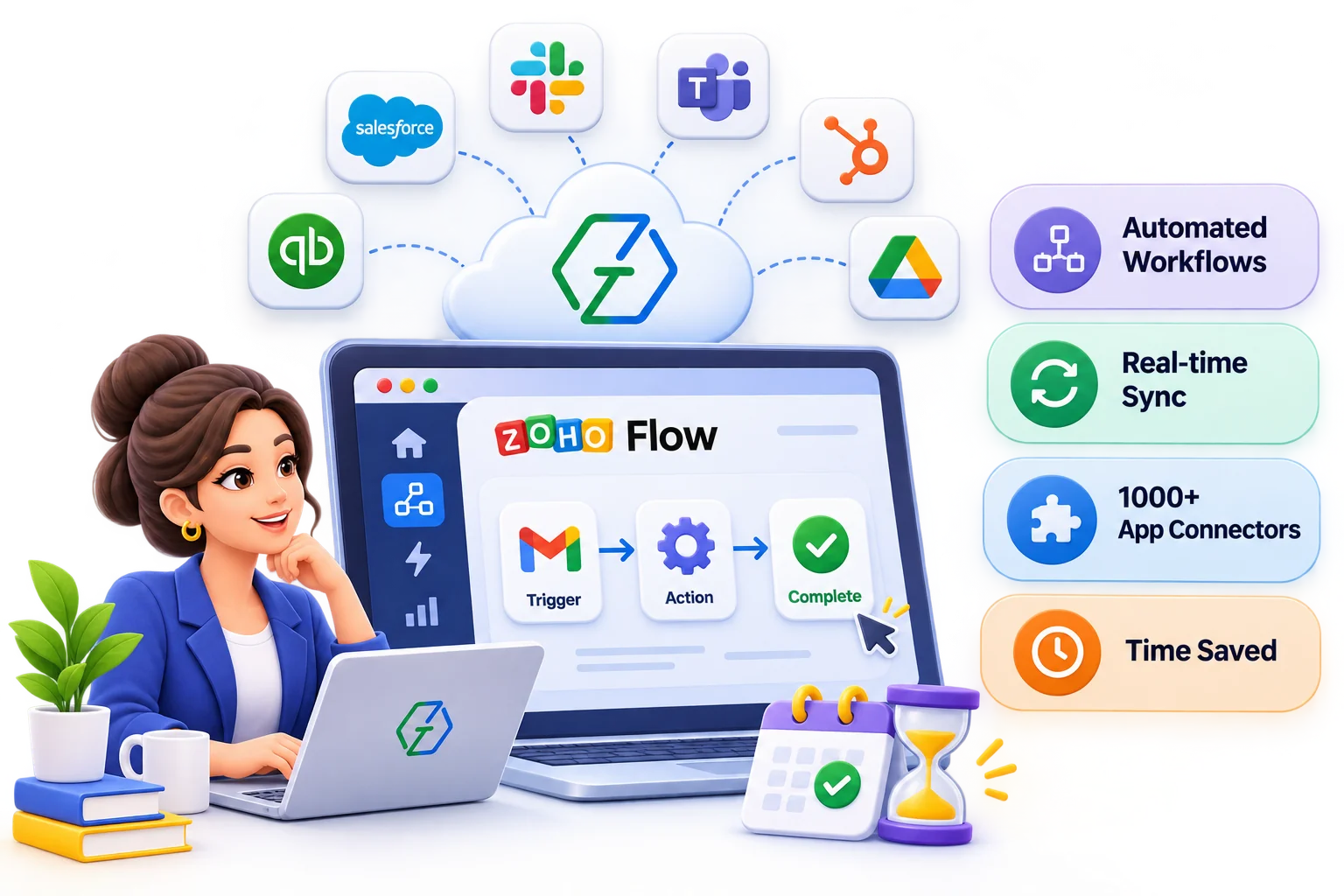
Zoho Flow is the integration platform in the Zoho suite, built for connecting cloud apps. Every flow follows the same shape: something happens in one app, and a series of steps updates the others. Knowing the building blocks makes it easier to see what can be automated and what needs a different tool.
Our Services
From simple triggers to multi-step workflows, we automate how your apps share data.
Find the tasks and data flows worth automating.
Create reliable multi-step flows with conditions.
Keep contacts, orders, and records in sync across apps.
Add custom logic to flows with Deluge.
Connect apps without native connectors using webhooks.
Send alerts to email, Cliq, Slack, and more.
Track flow history and fix failures quickly.
Improve existing flows and keep them running.
Common flows
These are the hand-offs we are asked to automate most often. Each one replaces a copy and paste step that someone does today, usually late and usually from memory.
| When this happens | The flow does this |
|---|---|
| A deal is won in Zoho CRM | Creates or updates the customer in Zoho Books and raises the estimate or invoice, so finance never retypes a deal. |
| A web form is submitted | Creates the lead in Zoho CRM from Zoho Forms, your website or a third-party form tool, assigns an owner and sends the acknowledgement. |
| An online order comes in | Creates the sales order in Zoho Inventory or Books from a store such as Shopify, and updates the customer record in the CRM. |
| Something needs attention | Posts an alert to a Slack, Microsoft Teams or Zoho Cliq channel when a large deal closes, a ticket escalates or a payment fails, with a link to the record. |
| A contract is signed | Moves the deal to the next stage and creates the onboarding tasks, so delivery starts the day the paperwork lands. |
Check the native sync first. Some Zoho apps already share data out of the box, Zoho CRM and Zoho Books among them. We use the built-in link where it covers the need and add flows only for the steps it leaves out.
Flow or a custom integration?
A flow is quick to build and easy for your own admins to read, which makes it the right answer for most event-driven hand-offs. Some jobs outgrow it, and it is cheaper to say so before the build than after.
Better as a custom integration
A good fit for Flow
For large syncs, ERPs and custom APIs, see our Zoho integrations with third-party apps.
Our Process
Most automation projects start with a list of annoyances. We turn that list into a short set of flows, agree what each one should do with the people who own the data, and build them in your own account so nothing depends on us staying involved.
Map the manual steps, the apps involved and who owns each record today.
Design triggers, actions, conditions and what should happen when a step fails.
Create the flows, connections and any Deluge custom functions.
Run real sample records through every branch, including duplicates and missing fields.
Watch the run history after go-live and refine flows as volumes grow.
Limits and monitoring
A flow that worked on launch day can fail quietly three months later. These are the limits and checks we plan for from the start.
Business Impact
Repetitive tasks run automatically.
No more copy-paste between apps.
Actions trigger the moment data changes.
Every app shows the same information.
Industry-Focused Solutions
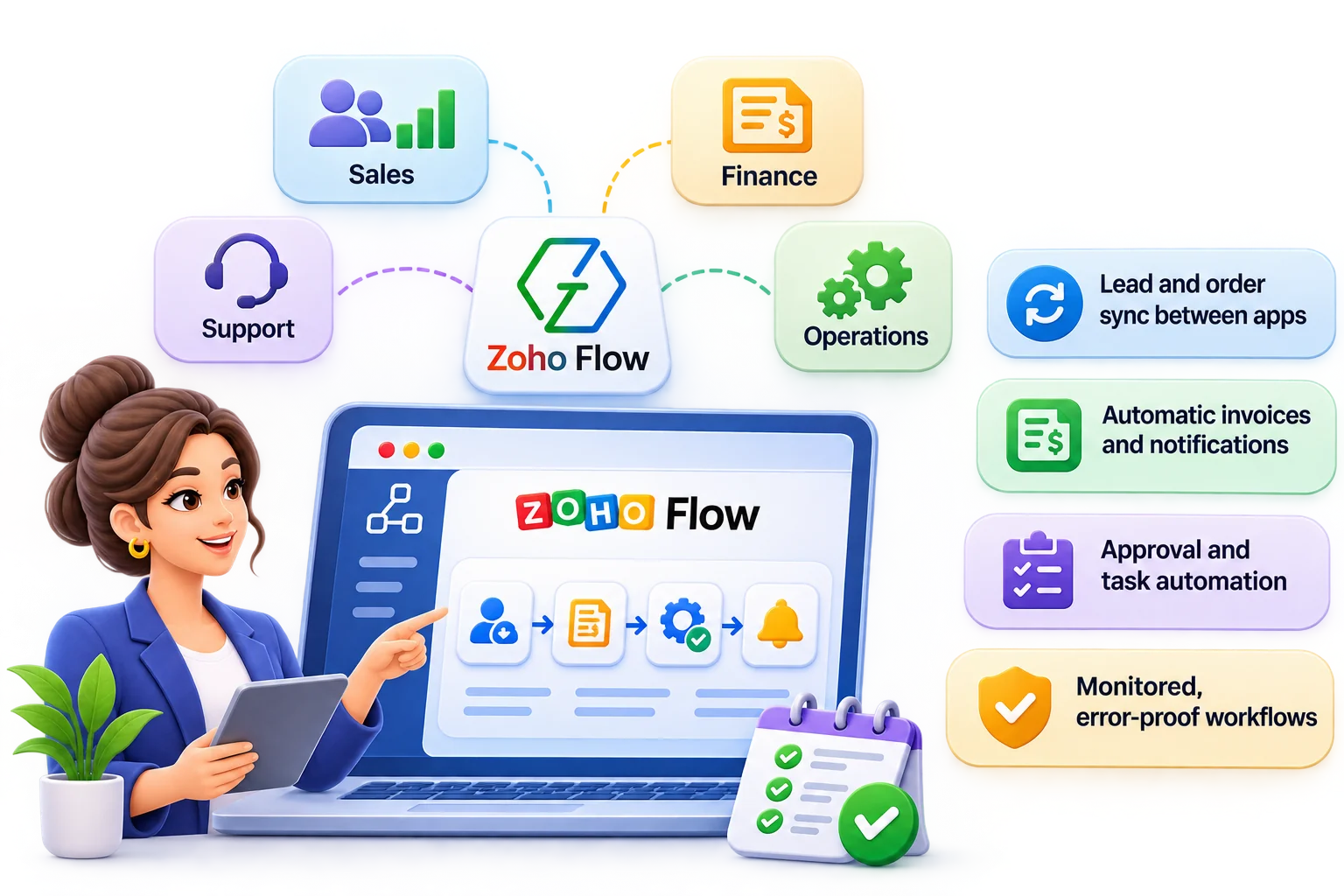
Automate the hand-offs between your sales, finance, support, and operations tools.
Connected Technology Ecosystem
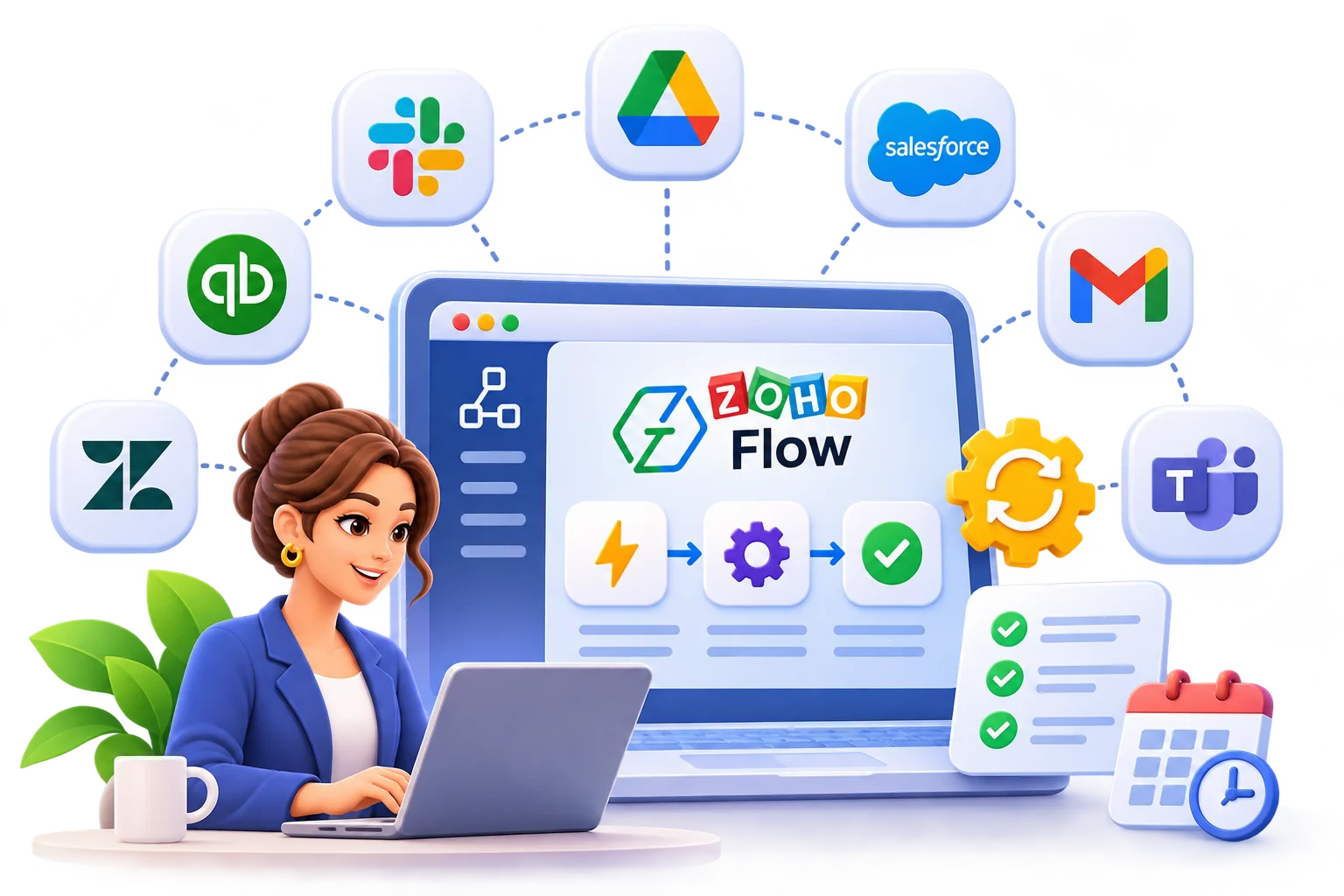
Connect Zoho apps with the third-party tools you rely on.
Zoho Flow Insights
 Zoho
Automate workflows and manage processes with Zoho CRM and Zoho Flow integrations by Ashapura Softech for smart business process automation.
 Zoho
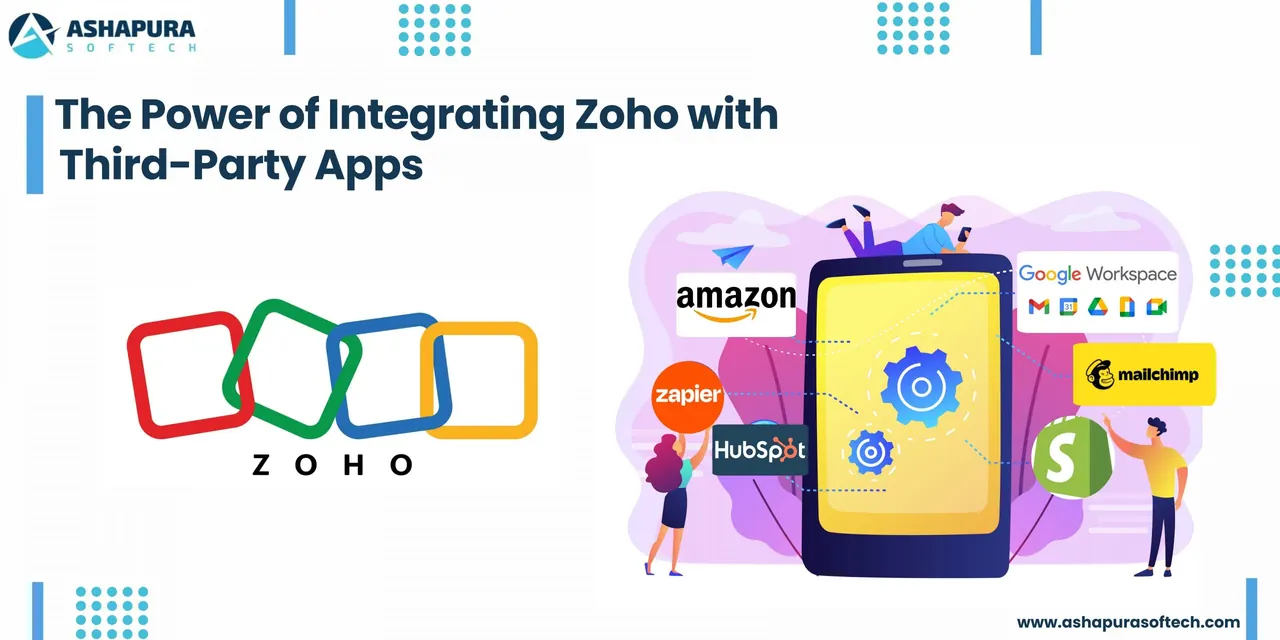
Zoho integration explained: the four connection routes, what Zoho connects to, WhatsApp and Zoho Flow setups, CRM to Books handoffs and catching…
 Zoho CRM
How Zoho CRM and WhatsApp integration keeps every customer conversation in one place, speeds up replies, and stops leads going cold.
FAQ
Everything you need to know before getting started.
It is the integration platform in the Zoho suite. It connects Zoho apps and third-party cloud apps and automates the work between them through triggers and actions, without heavy coding. Custom functions written in Deluge cover the logic the standard steps cannot.
Yes, it is part of the Zoho One suite. It is also sold on its own, with editions that differ in how many flows you can run and how many actions they execute each month, so we size the edition to your expected volume.
Use a flow for event-driven hand-offs between apps at moderate volume. Choose a custom integration for bulk syncs, two-way sync where both systems edit the same records, or heavy data transformation. We recommend one or the other after looking at your volumes and apps.
Every run is recorded in the history with the data passed between steps. We add failure alerts to a named owner and a short runbook, so a failed record is found, fixed and replayed quickly.
Yes. We audit, repair and document flows built by your team or others, remove duplicates and add the error handling that was missing.
Get in touch
Have an idea, requirement, or a project in mind? Our team will get back to you within 1 business day.