
Categories
Zoho CRM

Maximizing Sales Efficiency: How Zoho CRM Transforms Your Sales Process

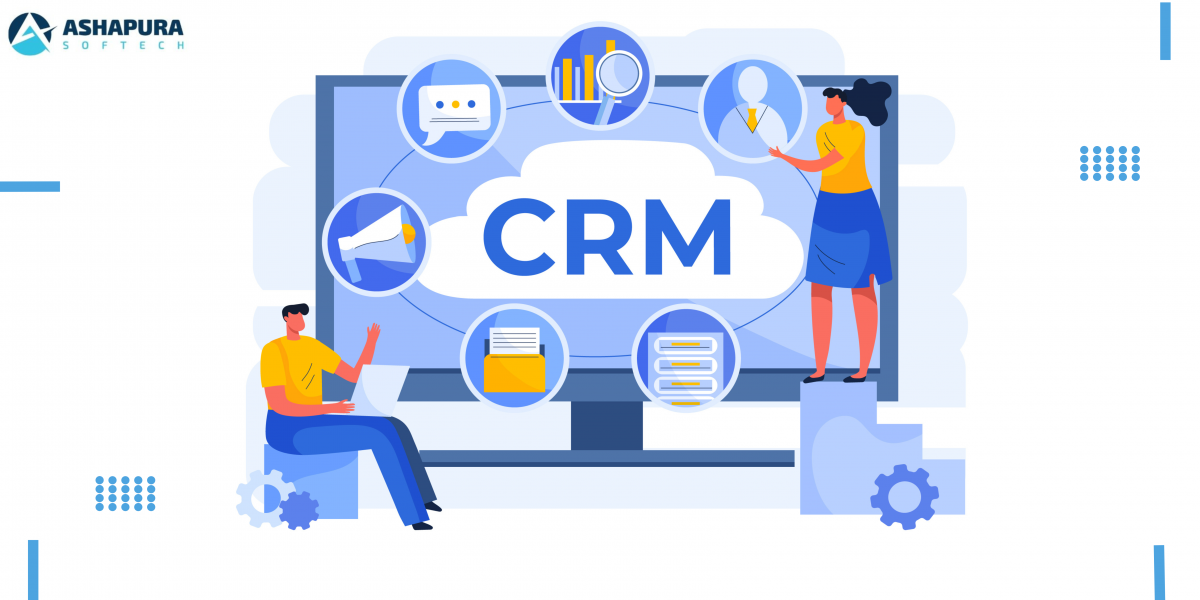
When revolutionizing sales efficiency is the goal, few tools are capable of coming anywhere near Zoho CRM. Whether it is seamless lead management or smart sales analytics, Zoho CRM is not just software – it’s a revolution. Let us take apart the manner in which this powerful tool can revolutionize your sales process and make it not just smooth but downright delightful.

Why Sales Efficiency Matters More Than Ever

Before jumping into Zoho CRM, let’s clarify something. Sales productivity is not simply selling faster—selling smarter. With today’s competitive business climate, losing time to manual follow-ups, unqualified prospects, or poor data is akin to money out the window.

The Sales Issues Most Businesses Experience
  • Disseminated Lead Data: Leads broken out among spreadsheets, emails, and sticky notes.
  • Ineffective Manual Tasks: Excessive time is spent keying data or booking meetings.
  • Lack of Visibility: Without analytics, you’re flying blind on forecasting.

How Zoho CRM Centralizes Your Sales World

One of the standout aspects of Zoho CRM is that it centralizes. You can visualize everything from your leads, customer data, and follow-up actions in a single dashboard. You no longer need to be a detective with fragmented data.

Centralized Lead Management

Zoho CRM’s lead management module is every salesman’s wish. It tracks the lead source, assigns priority scores, and even gives you next best action suggestions. Trust me, I once lost a big deal because I didn’t follow up at the right time. With Zoho’s reminder, that’s history now.

Automating Routine Work for Peak Productivity

If there is one thing that Zoho CRM does better than most others, it’s automation. Lead assignment to follow-up, Zoho CRM does the heavy lifting and you get your team to close deals.

Automated Lead Scoring

Zoho’s intelligent lead scoring allows you to focus your time on high-potential leads and not on ghost chases. The system identifies behaviors like email opens, form submissions, and visits to rank leads accurately.

Follow-Up Workflows

Create automated workflows to automatically act on lead status. For example, when a lead is a hot lead, Zoho CRM can automatically allocate it to the most appropriate salesperson.

Improved Forecasting and Sales Insights

Come on, let’s admit it—forecasting is guesswork without reliable data. Zoho CRM eliminates that guesswork with its advanced analytics and reporting features.

Customizable Dashboards

Every sales team has its own most critical metrics. With Zoho’s drag-and-drop customizable dashboards, you can chart pipeline stages, close rates, and average deal sizes—all in real time.

Predictive Sales Insights

Zoho’s AI, Zia, takes data analysis to the next level by making predictions of deal closure. It even flags possible chokepoints before they blow out of proportion.

Seamless Integration Across Platforms

Zoho CRM is not standalone. It works beautifully with third-party software like Google Workspace, Microsoft 365, and even social media websites. This means it is easy to stay informed without needing to switch platforms.

Mobile Sales Efficiency

Zoho’s mobile app ensures that sales effectiveness is not bound to a desk. Wherever you are meeting a customer or grabbing a cup of coffee, Zoho keeps you connected to your sales pipeline in real time.

A Personal Experience: Turning a Failing Deal Around

I had a deal once that was on the brink of falling apart. The lead had gone cold, and I couldn’t fathom why. Zoho CRM’s activity tracking indicated they had stopped opening emails after we had changed our subject lines. We changed our strategy, re-approached them, and closed the deal within a week.

FAQs

What is Zoho CRM?

Zoho CRM is a customer relationship management tool that allows organizations to automate lead handling, sales processes, and customer interaction.

Can Zoho CRM boost the conversion of leads?

Yes! Zoho CRM uses lead scoring, AI-driven insights, and automation to allow the sales team to focus on top-level leads and drive maximum conversions.

Is mobile access available in Zoho CRM?

Yes. The mobile app for Zoho CRM gives users easy access to follow-ups, leads, and deals on the road, keeping their sales reps busy wherever they happen to be.

Is Zoho CRM customizable?

Yes. Zoho CRM allows rich customization capabilities for workflows, automation rules, and dashboards to match the unique sales process of your business.

How does Ashapura Softech implement Zoho CRM?

Ashapura Softech offers full-cycle implementation of Zoho CRM, from installation to customized solutions and maintenance.

Conclusion

Zoho CRM is not just a software—it’s an incisor of sales transformation. With strong features and intelligent automation, it allows sales teams to do what they excel at: closing deals. Small business or enterprise, Zoho CRM has something for all. If you are ready to take your sales process to the next level, we at Ashapura Softech are ready to help. Contact us at [email protected] to start your journey towards unparalleled sales efficiency.
Categories
Zoho CRM

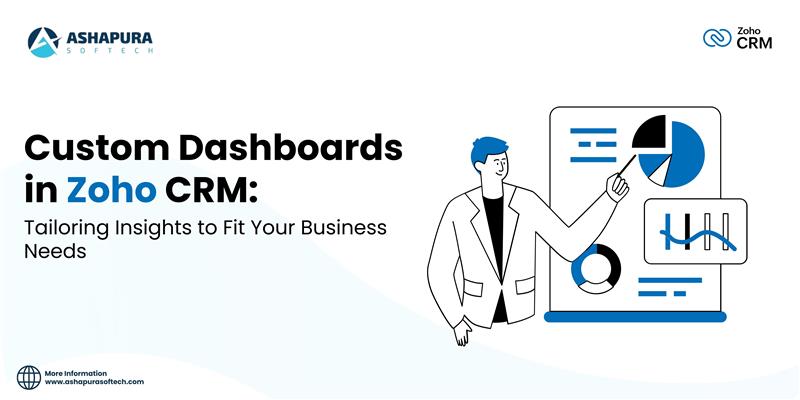
Custom Dashboards in Zoho CRM: Tailoring Insights to Fit Your Business Needs

Introduction

In the modern business environment, data is the new oil; the prospect of monitoring, analyzing, and using this data makes the difference for any organization. Business users of CRM systems need access to information in real-time, serviced by dashboards specifically tailored to their needs to enable them to make well-informed decisions. Zoho CRM is one of the strongest and most flexible CRM platforms currently in the market, with custom dashboards that drive real business insights to businesses.

This article takes it to a whole new level as it features the ways of customizing dashboards in Zoho CRM to meet specific business needs that aid your data-driven decisions. Its contents will specify features, benefits, and best practices in creating dashboards while providing a roadmap on how to further optimize your Zoho CRM system if your need is to upscale CRM services to reach higher heights of effectiveness in your customer relationship management work.

What is Zoho CRM?

Zoho CRM is a web-based application aimed at assisting businesses to manage their customer interactions, sales, and marketing activities. It is specifically designed for companies of any size and is adept at offering powerful tools for lead generation, sales forecasting, and reporting. There is also a feature of a custom dashboard that allows businesses to mirror and draw data in specific ways. With Zoho CRM dashboards, one can utilize real-time critical insights. Performance against targets can be tracked, and decisions can be made in the shortest time possible. Raw data gets transformed into intuitive visual representations easy to interpret and act on.

What are Custom Dashboards?

Custom dashboards in Zoho CRM present the flexibility of user selection based on KPIs, metrics, and reports in one view. If you are tracking your sales, marketing, or customer support activities, these dashboards give you all the important data that matters to your business.

Every user can personalize their dashboards so that the information provided is both relevant and useful for them and addresses the details of their job functions.

Benefits of Custom Dashboards in Zoho CRM

a) Improved Decision Making

Custom dashboards furnish actual-time information in meaningful and actionable format to the decision-makers. Whether you are in sales, marketing, or customer care, you can track key performance metrics like revenue forecasting, lead conversion, or customer satisfaction score to take the right decision on the fly.

b) Instant Data Visualization

The data thus presented visually is much easier to understand than raw numbers. In Zoho CRM, immediate visualization of data is allowed through custom dashboards, and users can easily identify trends, spot anomalies, and respond in due course.

c) Role-Based Insights

Not every member of the team needs the same kind of information, so Zoho CRM offers the functionality to create role-based customized dashboards that present only what is relevant to each team member. So, the sales teams can track their performance against the quotas, and marketing tracks the campaign effectiveness and customer engagement metrics.

d) Better Collaboration

With custom dashboards, all teams access the same real-time data, which boosts better collaboration across departments, ensuring that everyone uses the same insights as the basis of their work.

e) Interoperability Custom

layouts ensure that all teams have access to real-time data. This ensures better collaboration in different departments as everyone works with one set of goals in mind and, therefore, similar insights. Every business is unique and a reflection of it can be seen in the Zoho CRM dashboards. You may opt for custom layouts of your dashboards and include the charts, graphs, lists, and KPIs most suitable for you. This ensures you view everything at a glance.

Zoho CRM Dashboards Key Features

a) Wide Variety of Widgets

Zoho CRM enables the insertion of multiple widgets from its arsenal, including bar charts, pie charts, line graphs, and even tabular views, onto your customized dashboard. This allows you to see the information in whatever format you think is most conducive to interpretation.

b) Drag-and-Drop Functionality

Custom dashboards in Zoho CRM are very easy to create. A drag-and-drop feature is built in, so you can easily customize and reorder widgets as fits your needs.

c) Refresh Data in Real Time

Custom dashboards in Zoho CRM pull data in real time, so you’re always assured of current information. This would be very helpful to organizations that have to respond quickly to change anywhere in the marketplace or with their internal operations.

d) Multiple Data Sources

However, integrating Zoho CRM with third-party applications as well as internal systems ensures your customized dashboard can display data coming from several sources. It can include sales data, website analytics, or even feedback from customers; you can bring everything together into one view.

e) Automated Reports and Notifications

Dashboards can also be set to automatically create reports, send scheduled reports to team members, or simply throw up a notice when some of the KPIs are below or above the targets. This automation saves manual efforts and also ensures timely actions.

Building Your Custom Dashboards

Building custom dashboards in Zoho CRM is very easy. Here’s a step-by-step guide to help you set up your dashboard:

Step 1: Define Your Objectives

Before assembling a dashboard, ask yourself what you are trying to achieve. Do you want to track sales performance? Monitor customer engagement? Determine your goals so that you could select the right metrics for display.

Step 2: Select Relevant Metrics and KPIs

Once you have identified your goals, start by selecting the most important metrics and KPIs that support your goals. For instance, if you are looking for better performance in sales, metrics will include total revenue, conversion rate, and lead response time among others.

Step 3: Add Widgets to the Dashboard

You can include multiple widgets in your dashboard. Depending on the type of data you need to present, you can pick from a pie chart, bar graph, line graph, or a list. Simply drag and drop those widgets into place.

Step 4: Organize and Personalize Layout

Arrange your widgets in a very readable fashion on your dashboard. Size and position every widget to create a layout of preference. Personalize color schemes, labels, and titles of your widgets.

Test and Refine

After designing your custom dashboard, you would always review it against the set standards, making sure that the information is clear and actionable. Then ask the team members who are really going to use the dashboard for feedback and make necessary adjustments.

Best Practices for Custom Dashboards in Zoho CRM

a) Keep It Simple

To avoid this cluttered dashboard from overwhelming you, focus on only those metrics most important to your business. For large-scale operations, it is even possible to have a few dashboards related to various sides—sales, marketing, or customer support.

b) Make Data Actionable

Choose metrics that can be acted on. For example, if a KPI is not performing well, then it should call for immediate action. Choose non-vanity metrics so that your business will grow.

c) Watch Continuously

You are to constantly update and refresh your dashboards so that you keep track of the changing dynamics of your business. Create alerts so that once there is considerable deviation from the desired performance, then you get alerted.

d) Leverage Real-Time Data

You will have real-time data from Zoho CRM that you can use to respond rapidly to new trends and changes in the market, thus putting your team one step ahead.

Custom Dashboards for Different Team

a) Sales Teams

Customized dashboards for sales teams track lead response time, win rates, and pipeline value. Moreover, the clear visibility enables them to prioritize high-value leads and close deals faster.

b) Marketing Teams

Customized dashboards would allow marketing teams to present metrics like campaign performance, website traffic, and customer engagement. Such insights bring optimization to the marketer’s strategy and allow them to improve ROI on the marketing campaigns.

C) Customer Support Teams

Custom dashboards are quite handy for recording customer satisfaction, resolution time of tickets, and customer feedback. This enables support teams to increase the level of service delivery while, at the same time, improving overall customer satisfaction.

Conclusion

Custom dashboards in Zoho CRM provide businesses with the ability to transform complex data into meaningful, actionable insights. Whether you are tracking sales, marketing, or customer service metrics, these dashboards give your team the information they need in real time to make better decisions and drive business growth. The flexibility, ease of use, and role-based customization offered by Zoho CRM make it a must-have tool for businesses looking to gain a competitive edge in today’s data-driven world. By tailoring your dashboards to meet your specific business needs, you ensure that your team stays focused on the metrics that matter most. At Ashapura Softech, we specialize in helping businesses like yours harness the full power of Zoho CRM. Whether you’re looking to set up custom dashboards, optimize your CRM workflows, or streamline your operations, our team of experts is here to assist. Contact us today at [email protected] and let’s start transforming your CRM experience!

Categories
Zoho CRM

Why Zoho CRM is the Best Choice for Your Business?

Zoho CRM is a feature-rich platform that gives you insight into sales, marketing, and customer service. The information is kept in a safe vault, much as at a bank. Zoho CRM now has over 250 thousand users, and that figure is steadily increasing. For product lifecycle management, Zoho CRM provides customer relationship management solutions. The service integrates sales, marketing, customer support and services, and inventory management into a unified business system, providing management tools for the complete sales, marketing, customer support and services, and inventory management processes.

Zoho CRM allows you to keep track of all of your sales, allowing you to automate procedures and close more transactions in less time. For future up-sells and cross-sells, you’ll be able to use current client data.

You can organize your promotions as effectively as possible, boost your ROI, and track your spending using Zoho CRM marketing automation.

Zoho CRM allows you to streamline your company’s customer service process while also integrating the sales and customer service processes into a single solution. Additionally, you will be able to track purchases of goods or services from your chosen suppliers’ list.

We recognize that building a dream company isn’t always simple. You may need to learn the art of multitasking to take on ordinary chores that aren’t usually apparent but are critical to your company’s success. Some of these chores will be easier to manage using Zoho Forms. In Zoho Forms, a new function called a slave form was recently added. Online shopping will now be much more convenient. You can also concentrate on what you’re selling rather than how you’re selling. You may add a subordinate form to your request form to make it more dynamic. Previously, you could only choose specific goods, but now you may choose from a list of products in various price ranges and categories, and then add them all up.

CRM software is Zoho sales and marketing automation software that is hosted in the cloud. Companies may use Zoho CRM to communicate with customers and partners, convert leads, and generate thorough sales reports. A customer relationship management system (CRM) aids in increasing sales, automating corporate procedures, storing customer and transaction data, and making informed decisions based on data analysis. Zoho CRM is appropriate for both small and large businesses.

Zoho CRM has several tools for automating the work of sales, marketing, and help desk departments: lead management, deals, contact management, and workflow automation. Lead management allows you to capture and find potential customers using forms, and calls, identify them, create contacts, and direct managers for further interaction. Deal management allows you to track the stages of interaction with customers, focus on the most promising options, study past activities and identify future opportunities, issue invoices and build sales funnels.

Automation in Zoho CRM allows you to save employees from routine by setting up rules for processing data, creating tasks, and notifying customers. Managers and employees can set up the creation of automatic reports that will be generated at the close of transactions or the end of the working day. Reports contain information about profits, the effectiveness of customer contacts, and lead processing.

Features Of Zoho CRM:

Lead, deal and contact management

Sales automation

Building sales processes and setting rules

Setting up communication channels with clients (phone, email, social networks, etc.)

Analytics and reports

Billing

Predictions with artificial intelligence

Integration with services Google Workspace and Microsoft 365

With so many CRM alternatives available, you may be unsure which one is ideal for your business and lead generation. The beauty of Zoho CRM is that it can be used in any stream, including Zoho Marketing tool for marketing purposes, Zoho sales tool for sales management, and customer service. Improve your sales using CRM for your business by taking advantage of a free consultation to see how Zoho CRM can help you gain your niche audience’s contact information. This can help startups increase sales by transforming insights into leads. The entire technique is also simpler to learn and utilize for newcomers.

Conclusion

Zoho CRM is a versatile and user-friendly platform that empowers businesses to manage their customer relationships effectively. With its comprehensive suite of tools, Zoho CRM streamlines sales, marketing, and customer support processes making it easier to nurture leads, close deals, and enhance customer satisfaction. The platform’s customization capabilities, integration options, and automation features ensure that businesses can tailor it to their specific needs, driving efficiency and growth. Whether you’re a small business or a large enterprise, Zoho CRM offers the flexibility and scalability needed to stay competitive in today’s market. At Ashapura Softech, we specialize in implementing and optimizing Zoho CRM to help businesses achieve their goals. Our team will work with you to customize Zoho CRM to your unique requirements, ensuring you get the most out of the platform. Ready to take your customer relationship management to the next level? Contact us at [email protected] to learn how we can support your business with Zoho CRM.